Voice Messages

Generate personalized voice clips with your AI influencer's voice

Type up to 150 characters and generate a downloadable voice message using your character's saved voice for DMs, personalized greetings, and audience replies.

3 credits

Select a character to start

Your Character's Cloned Voice

Personalized audio takes time to record repeatedly. Voice Messages lets you reuse a character's saved voice for short, consistent replies without recording each clip manually.

Your Character's Cloned Voice

Every voice message is generated using the same AI-cloned voice tied to your character's identity. The tone stays consistent whether it's a greeting, a thank-you, or a personalized shoutout.

Your Character's Cloned Voice

Type Anything, Download Instantly

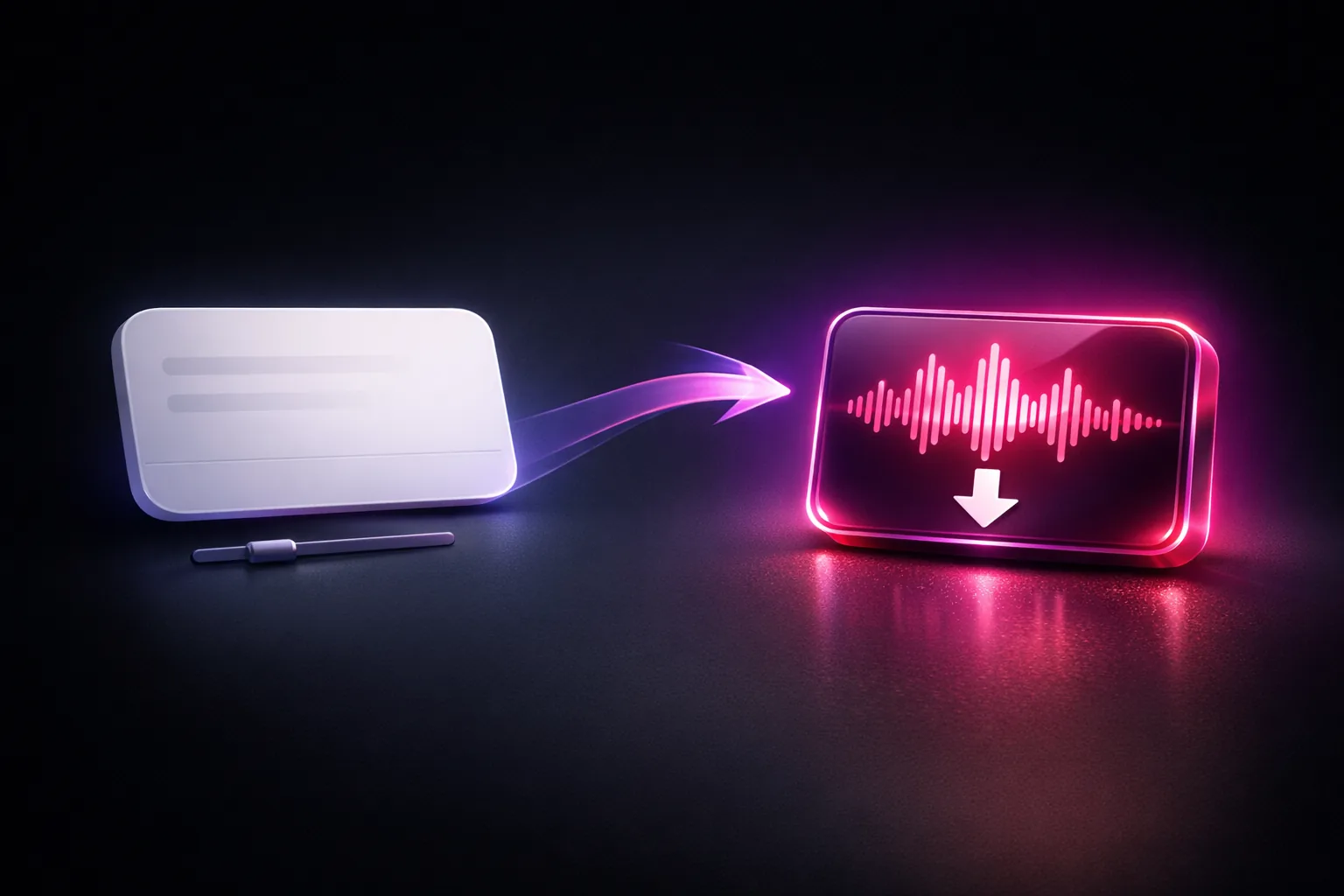
Write what you want your character to say, adjust the speed, and generate a downloadable audio clip for any platform that supports voice messages.
Type Anything, Download Instantly

Build a Repeatable Reply Workflow

Create short greetings, thank-you notes, and personalized replies from the same saved voice. Review each clip before deciding where to share it.
Build a Repeatable Reply Workflow

How It Works

Three steps from text to a downloadable personalized voice clip.

1

Pick Your Character

Select any character with a cloned voice. The voice stays locked to their identity across every message you generate.

2

Type Your Message

Write what you want them to say — a greeting, a thank-you, a teaser, anything. Adjust speed from 0.5x to 2x.

3

Download & Send

After processing, download the audio file and use it on any platform that supports voice messages.

Frequently Asked Questions

What are Voice Messages?
Voice Messages let you generate downloadable audio clips using your AI influencer's cloned voice. Type any text and get a natural-sounding voice message — perfect for Fanvue DMs, personalized shoutouts, and subscriber engagement.
How much do voice messages cost?
Each voice message costs 3 credits and supports up to 150 characters per message.
What voice does it use?
Voice Messages uses the same cloned voice tied to your character's identity. If your character has a custom voice uploaded, that voice is used. Default characters use a preset voice.
Can I adjust the speaking speed?
Yes. You can set the speech speed from 0.5x (slow) to 2.0x (fast) before generating. This lets you match the tone to the context — slower for intimate messages, faster for energetic ones.
What format are the audio files?
Voice messages are generated as audio files that you can download and send on any platform — Fanvue DMs, Telegram, Twitter, or anywhere else that supports audio messages.
How long does generation take?
Most voice messages are ready in 10–30 seconds. You'll see a progress indicator while it generates, and the completed clip appears in your history with a play button.
Can I use voice messages commercially?
Yes. Voice messages follow the same commercial rights as your subscription plan. You can sell them as personalized content, use them in DM conversations, or include them in any paid offering.