AI Video Generator
Professional talking videos with natural expression and zero identity drift.
Pick your AI character, add a script or upload audio, and generate a cinematic talking video with optional reusable scenes. Preview first at low cost, then render final 1080p when it looks right.
Select Your Character
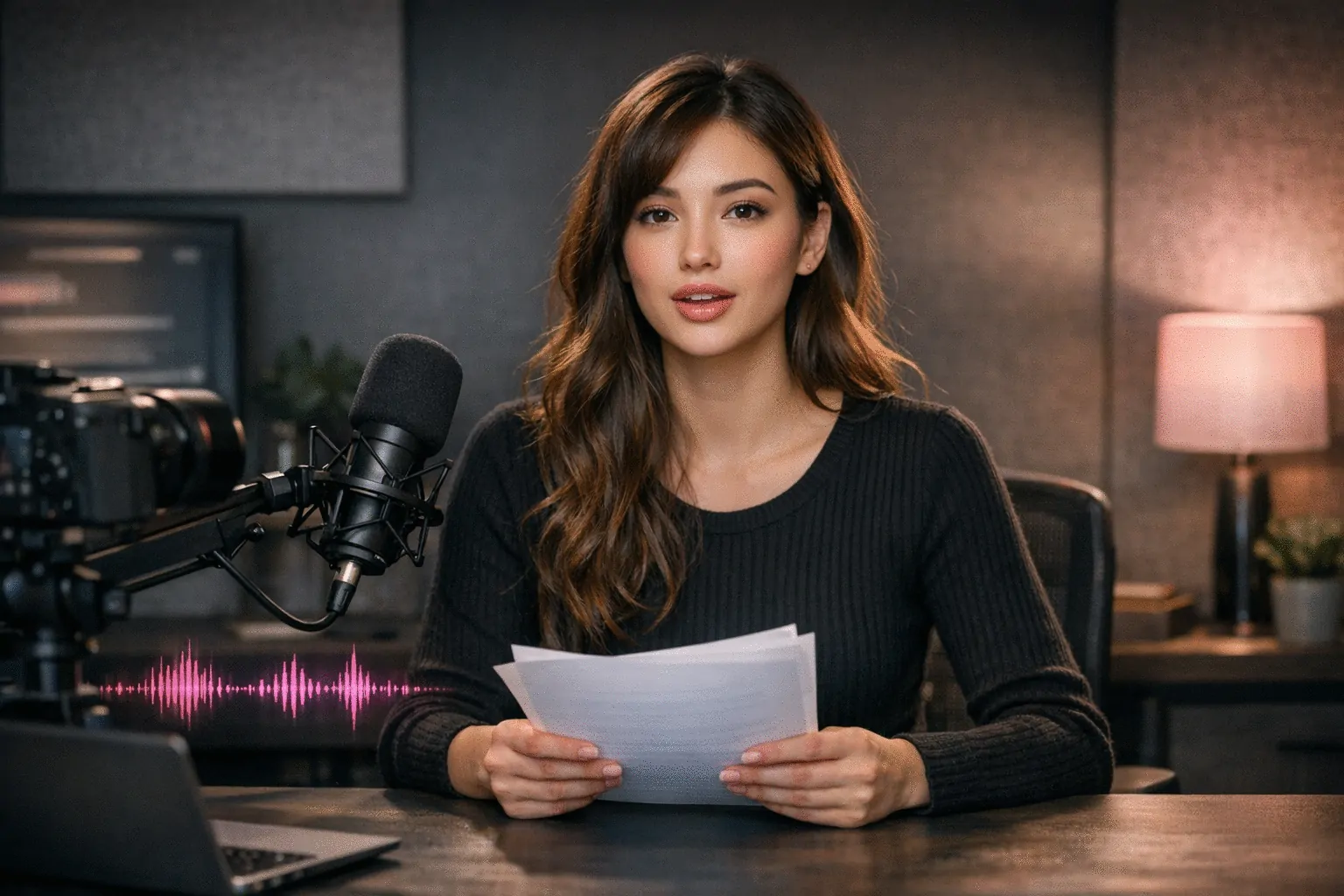
Traditional video production is slow and expensive for short-form content. AI Video Generator lets you produce talking videos from script or voice with consistent character identity and clear credit estimates.
AI Video Generator is the production engine of Scenova's AI influencer generator workflow. Your locked character identity and saved scenes carry through — same face, same voice, same brand. AI Influencer Generator →
Two Modes for Faster Production
Use Script Mode for text-to-speech or Voice Mode for uploaded audio. Keep the same character identity across every clip.
Reusable Scenes Keep Videos On-Brand
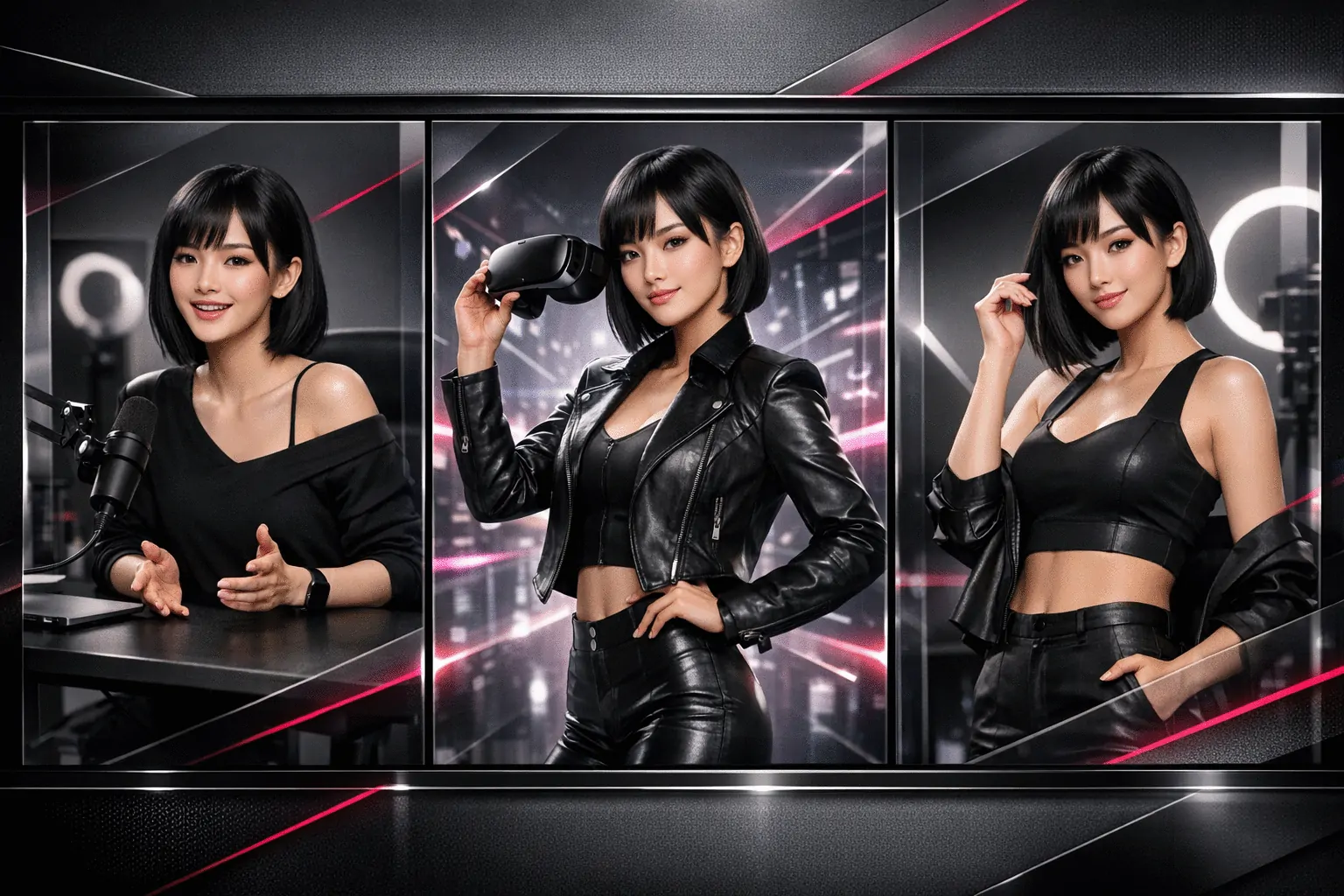
Attach any saved scene to keep your look consistent across campaigns. No scene selected? Generate with a clean setup and add scenes later.
Preview Before Final Render
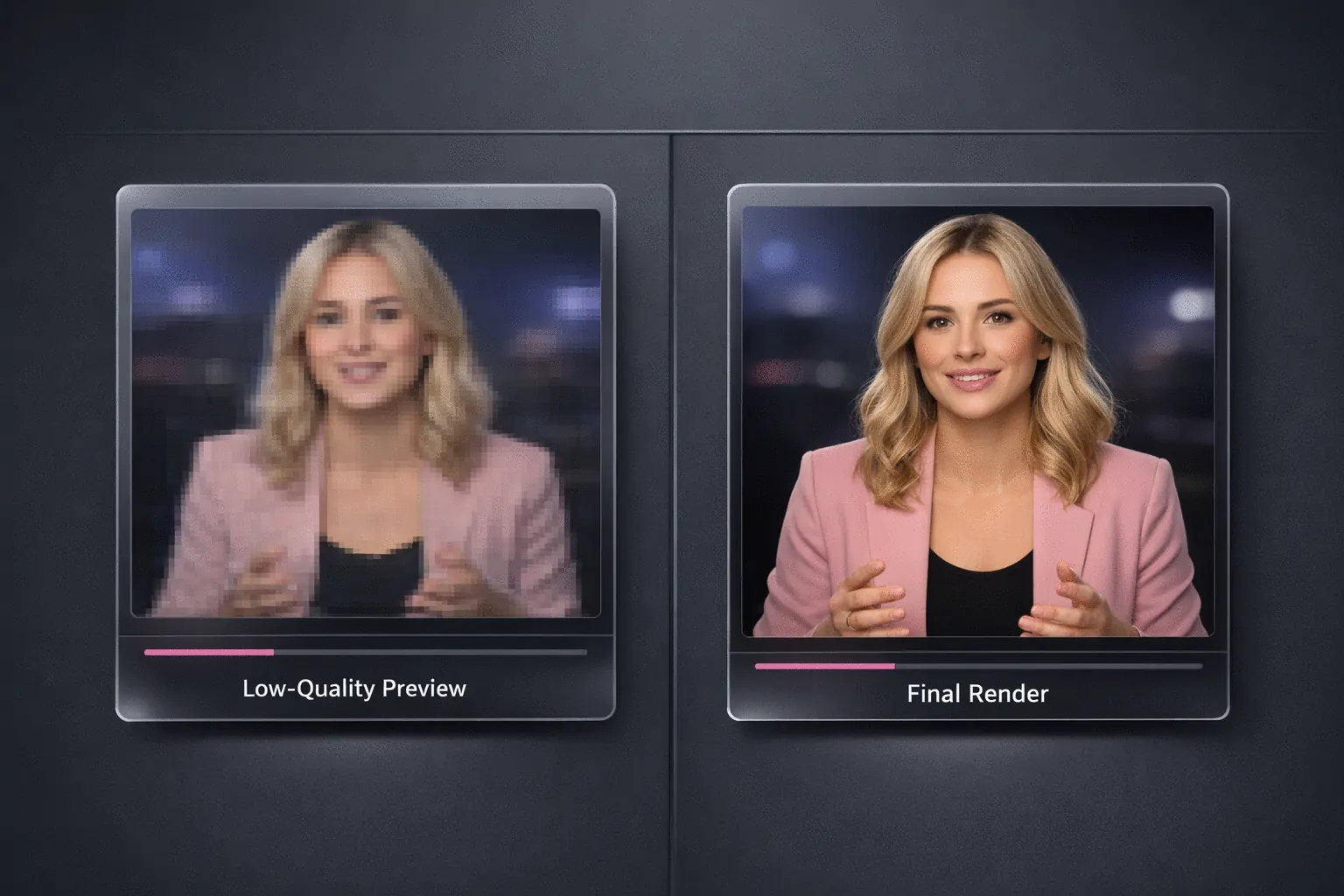
Run a low-cost preview to check lip sync, pacing, and scene fit. When approved, render the final 1080p video using the same settings.
How AI Video Generator Works
Pick a character, choose Script or Voice Mode, then preview and render.
Pick a Character
Start with a character that already has identity and voice configured.
Choose Script or Voice Mode
Type your script or upload audio, then optionally add a scene, emotion prompt, and speech speed.
Preview, Then Render Final
Generate a preview first. If everything looks right, generate the final and download.
Who Uses AI Video Generator
“Script, preview, and publish from one workspace. Character and tone stay consistent without a full shoot.”
Content Creators
Short-form video pipeline
“Script Mode makes batch production easy, and preview mode catches timing issues before final renders.”
Fitness & Lifestyle
Daily posting workflow
“Same character plus saved scenes gives a stable brand look on every platform.”
Brand Studios
Multi-channel spokesperson