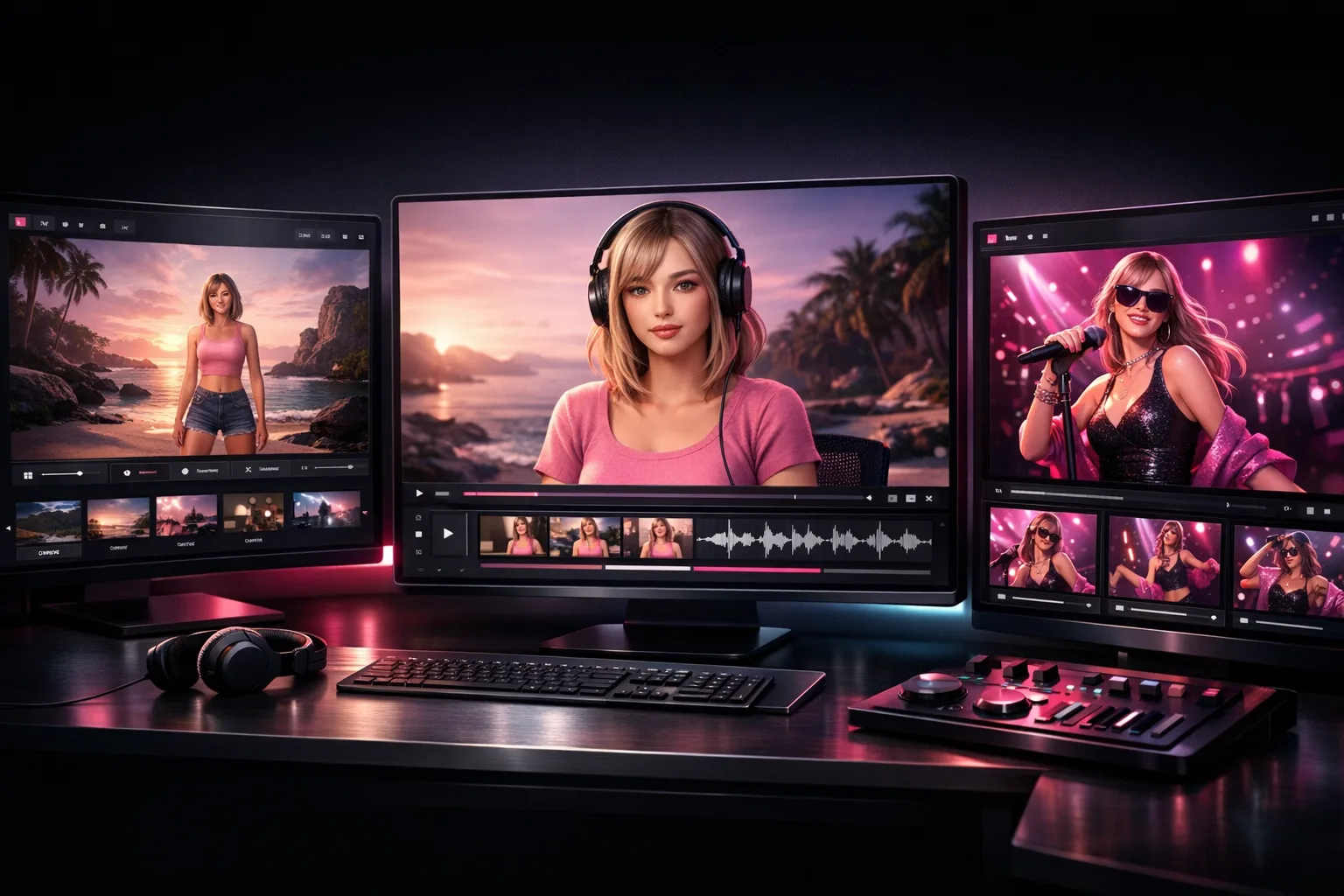
Introducing Scenova: The AI Video Studio Built for Creators
Quick answer
Scenova is an AI video studio for creators who want repeatable output, not one-off clips. You define one character identity (face and voice), build reusable scenes, and generate publish-ready videos with visible credit estimates before each run.
What Scenova Is (And What It Is Not)
Most tools in this category stop at image generation. Scenova is built as a full workflow for virtual influencer production:
- AI Influencer Generator: Define a consistent face and voice.
- AI Photo Generator: Build reusable backgrounds and brand frames.
- AI Video Generator: Generate talking/performance videos from script or voice.
- AI Music Video Generator: Generate a song first, then create and patch MV segments.
In short, Scenova is not just an avatar renderer. It is a production workflow that lets teams reuse identity and scenes across many outputs.
Why an AI Video Studio for Creators Needs Reusable Assets
If every video starts from zero, your workflow does not scale. Reusable character and scene assets reduce setup time, improve visual consistency, and make review loops predictable.
A practical creator loop looks like this:
- Lock character identity once in AI Influencer Generator.
- Build a scene library for recurring formats.
- Generate preview videos first, then commit final generations.
- Track outputs in Generations and iterate.
This is the difference between occasional experiments and a repeatable content system.
Operational Basics: Credits, Review, and Publishing
Scenova exposes credit estimates before generation actions so teams can decide when to preview and when to run finals. For plan and pack details, use Plans & Credits.
Before publishing, align output with platform and policy requirements:
- Vertical-first delivery is common for short-form feeds; TikTok lists vertical 9:16 as a recommended format for ads and creative delivery (TikTok Creative Specs).
- Google Ads specs for YouTube in-feed/short-form contexts include portrait options such as 9:16 (Google Ads Asset Specs).
- Paid endorsements must be clearly disclosed under FTC endorsement guidance (FTC Endorsements).
- Captions improve accessibility and are required for prerecorded synchronized media under WCAG 2.1 SC 1.2.2 (W3C WCAG 2.1).
A Fast Start Plan for New Teams
Use this setup sequence for week one:
- Create one character and one approved voice profile in AI Influencer Generator.
- Build 3 to 5 reusable scenes for your main content formats.
- Produce 5 preview videos and only finalize the strongest 2 to 3.
- Track deliverables in Generations and document winning prompts.
- Set a weekly budget from Plans & Credits before scaling output.
Frequently Asked Questions
What makes Scenova an AI video studio for creators instead of a single-feature tool?
Scenova connects identity setup, reusable scenes, and generation workflows in one system. That structure supports repeat production instead of isolated clips.
Do I need to build a new character for every video?
No. The workflow is designed so one character identity can be reused across many videos. You can update details later, but you do not need to recreate from scratch.
Why should I generate previews before final videos?
Preview-first workflows help control cost and quality. You can check pacing, scene fit, and delivery before spending more credits on final output.
Can I use the same scenes in both UGC and music video workflows?
Yes. Reusable scenes are intended to carry across recurring content formats so your outputs stay visually consistent.
What publishing checks matter most after generation?
Prioritize disclosure, accessibility, and platform fit: clear sponsorship disclosure, readable captions, and aspect ratios that match target placements.