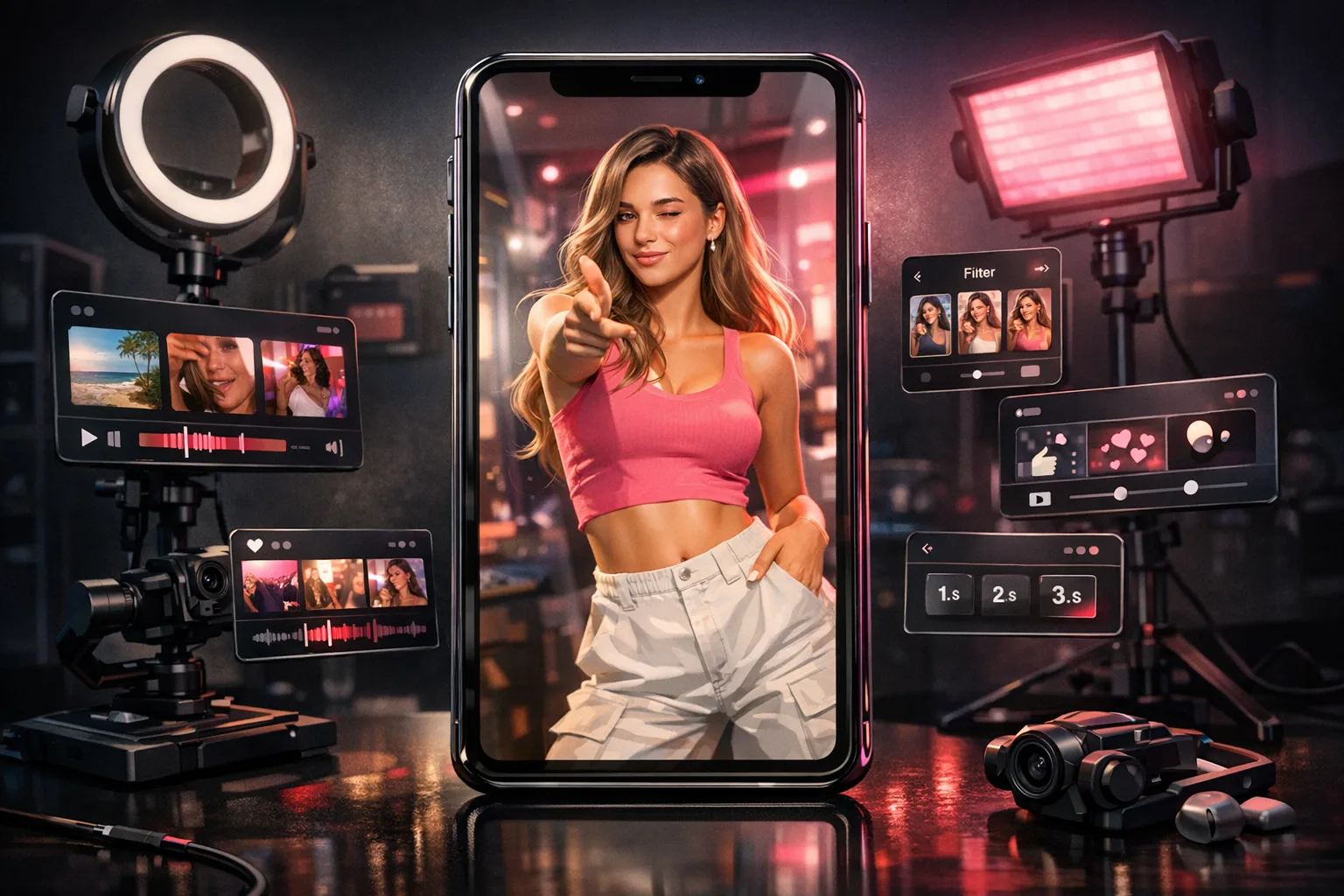
How to Create an AI Influencer for Instagram Reels
Quick answer
To create AI influencer content for Instagram Reels: lock your character's face and voice in AI Influencer Generator, build reusable scenes at 9:16 aspect ratio, generate short talking videos (under 15 seconds) in AI Video Generator, and download the 1080p output for direct upload to Instagram.
Why Instagram Reels matter for AI influencers
Instagram Reels are the primary discovery format for AI influencers. The algorithm favors short-form vertical video, rewards consistent posting, and surfaces content to non-followers through the Explore page and Reels tab.
For AI influencer creators, Reels serve a specific role in the funnel:
- Discovery — Reels reach people who do not follow you yet.
- Recognition — Consistent character appearance builds familiarity.
- Conversion — Viewers who recognize your character are more likely to follow, visit your profile, and click through to monetization platforms.
The key requirement is consistency. Your AI influencer must look the same across every Reel. Identity drift between posts breaks recognition and reduces the algorithm's ability to build an audience around your character.
Step 1: Create your AI influencer identity
Go to AI Influencer Generator and set up your character:
- Name — choose a memorable, brandable name.
- Face reference — upload a clear, front-facing photo or generate one with a text prompt. Even lighting and a neutral expression work best for downstream video generation.
- Voice — select a preset voice or upload a custom audio sample. Scenova clones the voice for consistent use across all videos.
Once saved, Scenova locks the identity. Every video you generate will use this exact face and voice — no drift between Reels.
Tip: Think about your niche when defining the character. A fitness-focused AI influencer should look the part. A gaming-focused character should have a style that fits that audience. The character definition shapes audience expectations from the first Reel.
Step 2: Build 3–5 reusable scenes at 9:16
Open AI Photo Generator and create vertical scenes optimized for Instagram Reels:
- Select your character.
- Choose 9:16 aspect ratio (Instagram Reels format).
- Upload a reference image or describe the setting in a prompt.
- Generate and save to your scene library.
Build scenes for your most common content types:
- Talking head — neutral background, good for direct-to-camera scripts.
- Lifestyle — coffee shop, gym, bedroom, or outdoor setting matching your niche.
- Brand/product — clean background for sponsored content or product mentions.
- Trending — a scene that matches current Instagram aesthetics (minimalist, neon, etc.).
- Seasonal — rotate as needed for holidays or cultural moments.
Each scene costs 5 credits (image upload) or 10 credits (prompt generation). Once saved, reuse is free — attach the same scene to any video without regenerating.
Step 3: Generate a talking Reel in AI Video Generator
Open AI Video Generator and create your Reel:
- Select your character — the locked identity from Step 1.
- Attach a scene — pick from your 9:16 scene library.
- Choose Script Mode — type a short script (under 15 seconds for best Reels performance).
- Set speech speed — adjust for natural pacing. Slightly faster works well for hooks.
- Add an emotion prompt (optional) — "excited", "curious", "confident" can shape the delivery.
- Generate preview — 10 credits. Review lip sync, pacing, and scene fit.
- Generate final — 10 credits per second (10-second Reel = 100 credits).
Script tips for Reels:
- Hook in the first 2 seconds. Start with a question, surprising statement, or direct address ("You're doing this wrong...").
- Keep it under 15 seconds. Short Reels get more completions, which the algorithm rewards.
- End with a soft CTA. "Follow for more" or "Link in bio" — keep it brief.
Step 4: Download and post
After the final renders:
- Download the 1080p video file from Scenova.
- Open Instagram and create a new Reel.
- Upload the video.
- Add a caption with a hook that matches the video content.
- Add 3–5 relevant hashtags (do not overload).
- Choose a thumbnail frame that shows your character clearly.
- Post.
Posting tips:
- Post when your target audience is awake (US peak times: 10am and 7pm ET).
- Post consistently — 1 Reel per day minimum after your account warm-up period.
- Reply to comments quickly in the first hour to boost engagement signals.
Repeating the workflow daily
The daily loop for Instagram Reels:
- Reuse a scene from your library (or build a new one if the content type changes).
- Write a new script — different hook, different message, same character and scene.
- Preview — 10 credits to validate.
- Render final — 10 credits/second.
- Post — with caption and hashtags.
Because your character is locked and scenes are reusable, you are only changing the script each day. This is what "consistent AI influencer content" means in practice — same face, same voice, same brand environment, new message.
On the Creator plan ($29/mo, 2,900 credits), this workflow supports a daily 10-second Reel for roughly 25 days per month. Shorter Reels (5 seconds) stretch the budget further.
Frequently asked questions
What aspect ratio should I use for Instagram Reels?
9:16 (vertical). Build all your Reels scenes at this ratio in AI Photo Generator.
How long should an AI influencer Reel be?
Under 15 seconds for best performance. Short Reels get more completions, which the algorithm rewards with more reach.
Can I reuse the same scene across multiple Reels?
Yes. That is the point of the scene library. Reuse is free — you only pay credits when generating a new scene or rendering a new video.
How many credits does one Instagram Reel cost?
A 10-second Reel costs approximately 110 credits (10 for preview + 100 for final). A 5-second Reel costs approximately 60 credits.
Do I need to disclose that my influencer is AI-generated?
Check your platform's guidelines. Instagram does not currently require AI disclosure for all content, but transparency builds trust with your audience. Many successful AI influencer accounts include "AI" or "virtual" in their bio.