AI 视频生成器
将脚本或语音备忘录转化为口播视频
选择你的 AI 角色,添加脚本或上传音频,搭配可选的可复用场景,生成可直接发布的视频。先预览确认,满意后再渲染成片。
每次预览 10 积分(最多 10 秒)每秒 10 积分(最少 10 积分)
选择你的角色
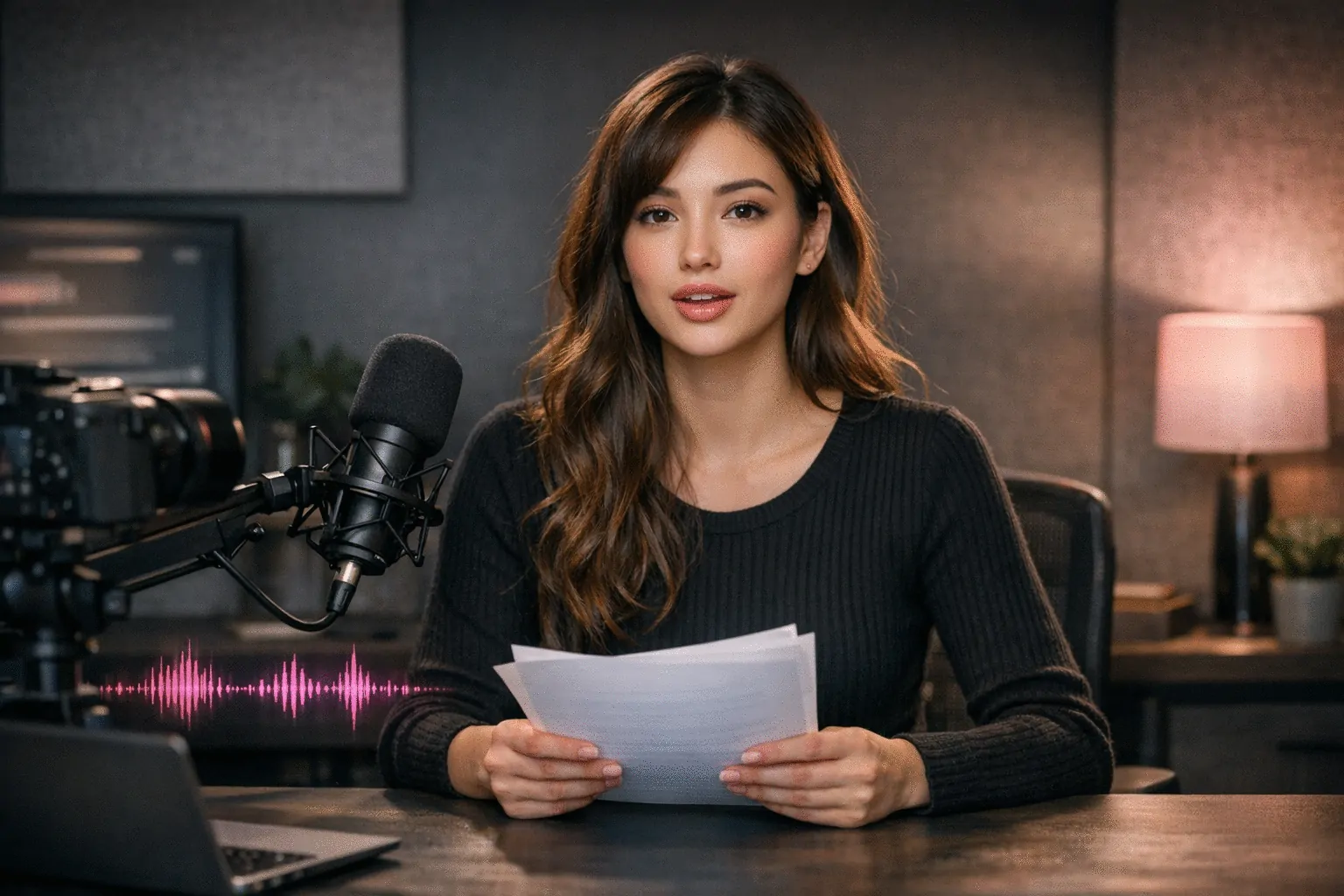
传统视频制作对短视频内容来说既慢又贵。AI 视频生成器让你通过脚本或语音快速生成口播视频,角色身份一致,积分消耗清晰。
AI 视频生成器是 Scenova AI 网红生成器工作流的生产引擎。您锁定的角色身份和保存的场景贯穿始终——相同面孔、相同声音、相同品牌。 AI 网红生成器 →
两种模式,更快出片
使用脚本模式进行文字转语音,或使用语音模式上传音频。同一角色身份在每个视频中保持一致。
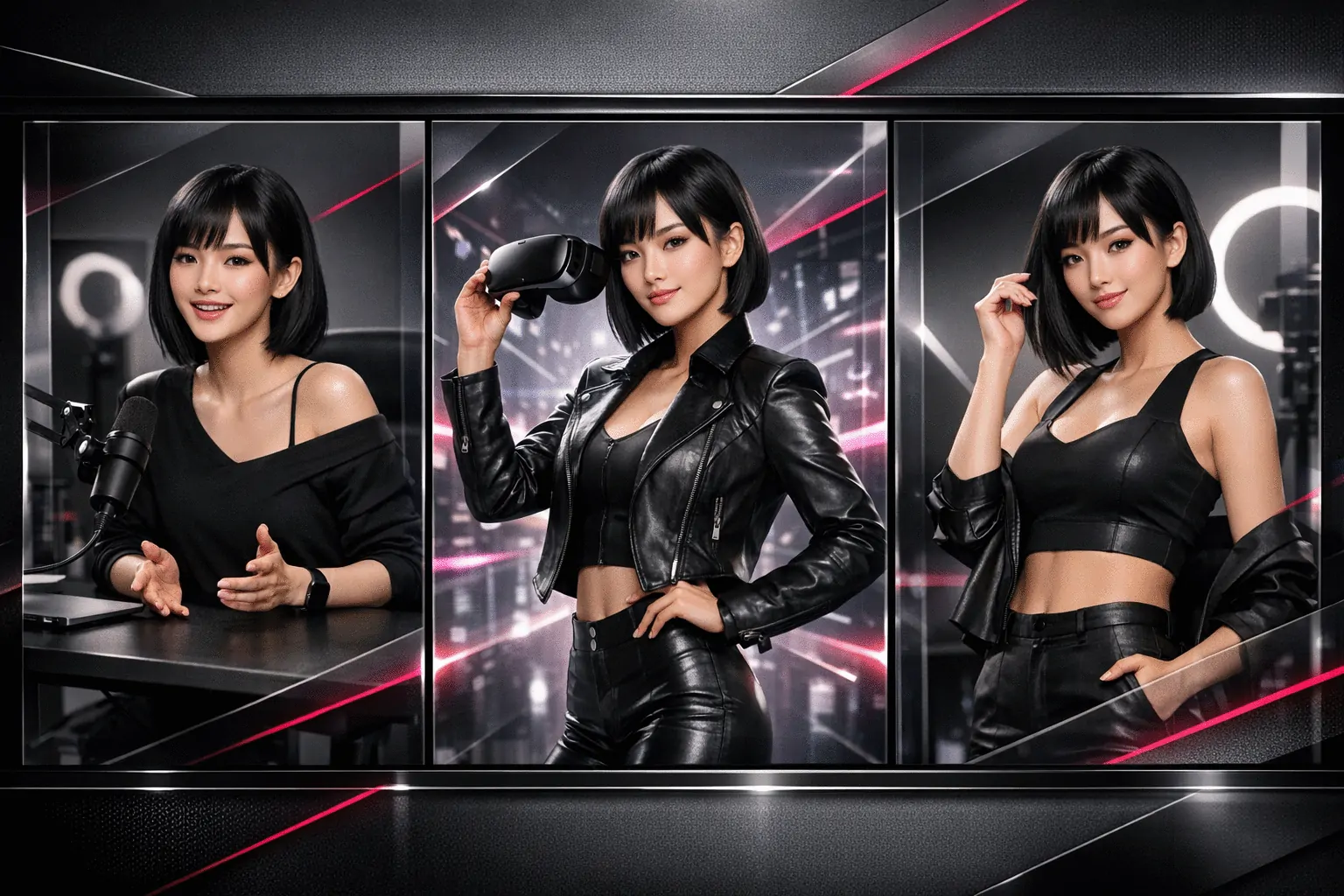
可复用场景让视频风格统一
附加任意已保存的场景以保持跨活动的视觉一致性。未选择场景?也可以先用默认设置生成,之后再添加。
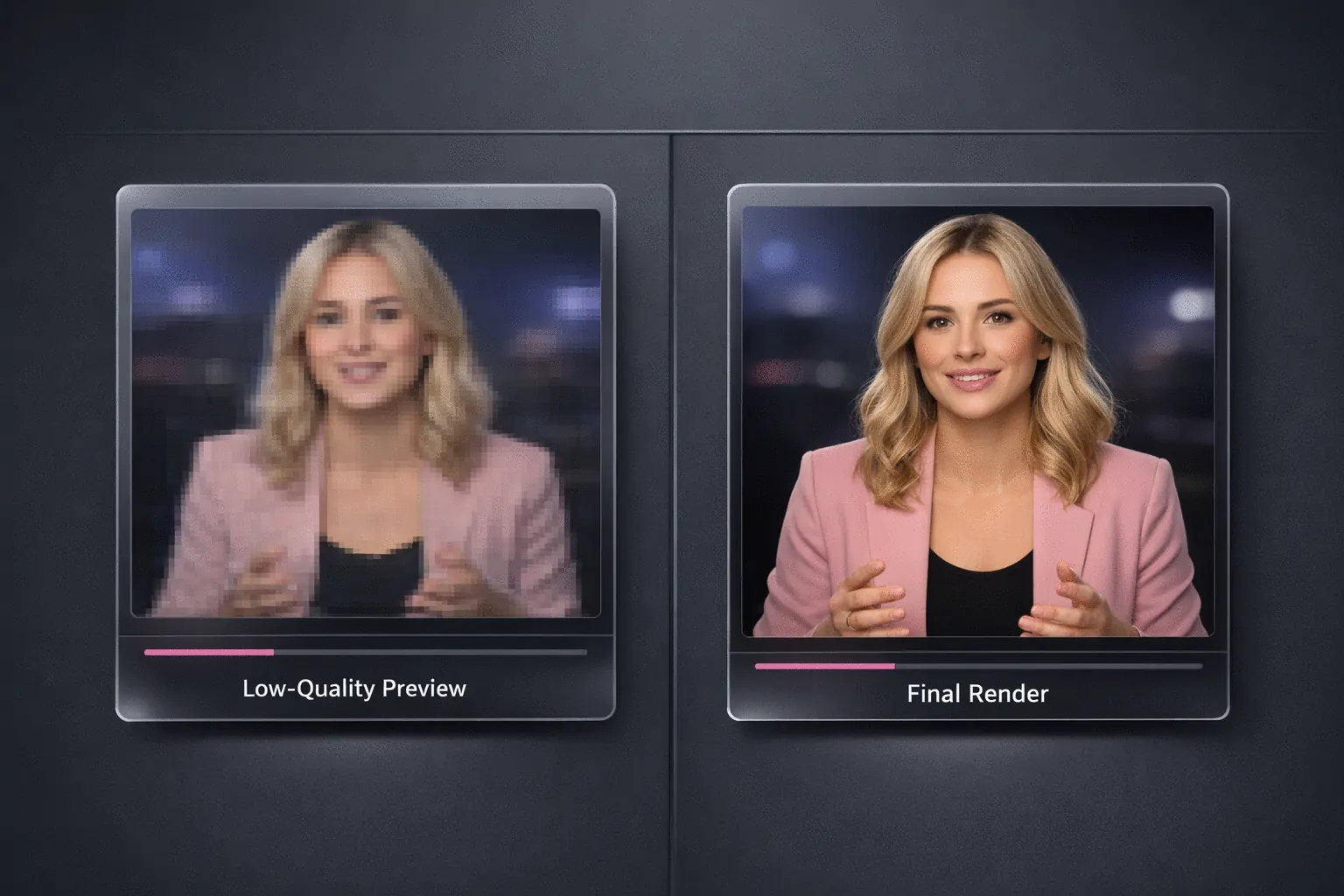
渲染前先预览
运行低成本预览检查唇形同步、节奏和场景适配。确认无误后,使用相同设置渲染最终 1080p 视频。
AI 视频生成器如何运作
选择角色,选择脚本模式或语音模式,然后预览和渲染。
1
选择角色
从一个已配置好身份和声音的角色开始。
2
选择脚本模式或语音模式
输入脚本或上传音频,可选添加场景、情绪提示词和语速调节。
3
预览后渲染成片
先生成预览。确认效果后生成最终版本并下载。
创作者用 AI 视频生成器产出更多内容
单角色每周短视频产出管线
“我们可以在一个工作区中编写脚本、预览并发布。角色和调性保持一致,无需实拍。”
Lukas Brecht
旅行创作者
脚本转视频日更工作流
“脚本模式 让批量生产变得简单,预览模式帮我们在最终渲染前发现节奏问题。”
Ronan Falk
健身与户外
跨渠道一致的代言人视频
“使用同一角色加已保存场景,让我们在每个平台上保持稳定的品牌形象。”
Studio Lumiere
美妆工作室
常见问题
预览和成片有什么区别?
预览是 480p 草稿,消耗 10 积分,帮你验证唇形同步和节奏。成片渲染为 1080p,每秒消耗 10 积分(最低 10 积分)。
每次生成的视频可以有多长?
每次生成最长支持 15 秒。请在生成前缩短脚本或音频。
脚本模式 和 语音模式 有什么区别?
脚本模式 将输入的文字通过选定的角色声音转为语音。语音模式 使用你上传的音频驱动角色表演。
必须添加场景吗?
不是必需的。场景是可选的。你可以不选场景直接生成,也可以附加已保存的场景以保持视频间的视觉一致性。
可以控制说话风格和节奏吗?
可以。你可以在生成前调整语速并添加情绪提示词。
如何避免浪费积分?
先使用预览检查节奏、唇形同步和场景适配。满意后再使用相同设置生成成片。
生成失败了怎么办?
失败的任务会在生成记录中标记。你可以重试生成,如果问题持续,请携带任务详情联系支持团队。