

The AI Influencer Generator for Daily Content
Create your AI influencer once — locked face, locked voice. Then generate scenes, talking videos, and music videos from one identity, every time.

Consistency You Can See in Every Performance


Pick Your Starting Workflow
Start with AI Influencer Generator, then expand into talking videos or full music videos.

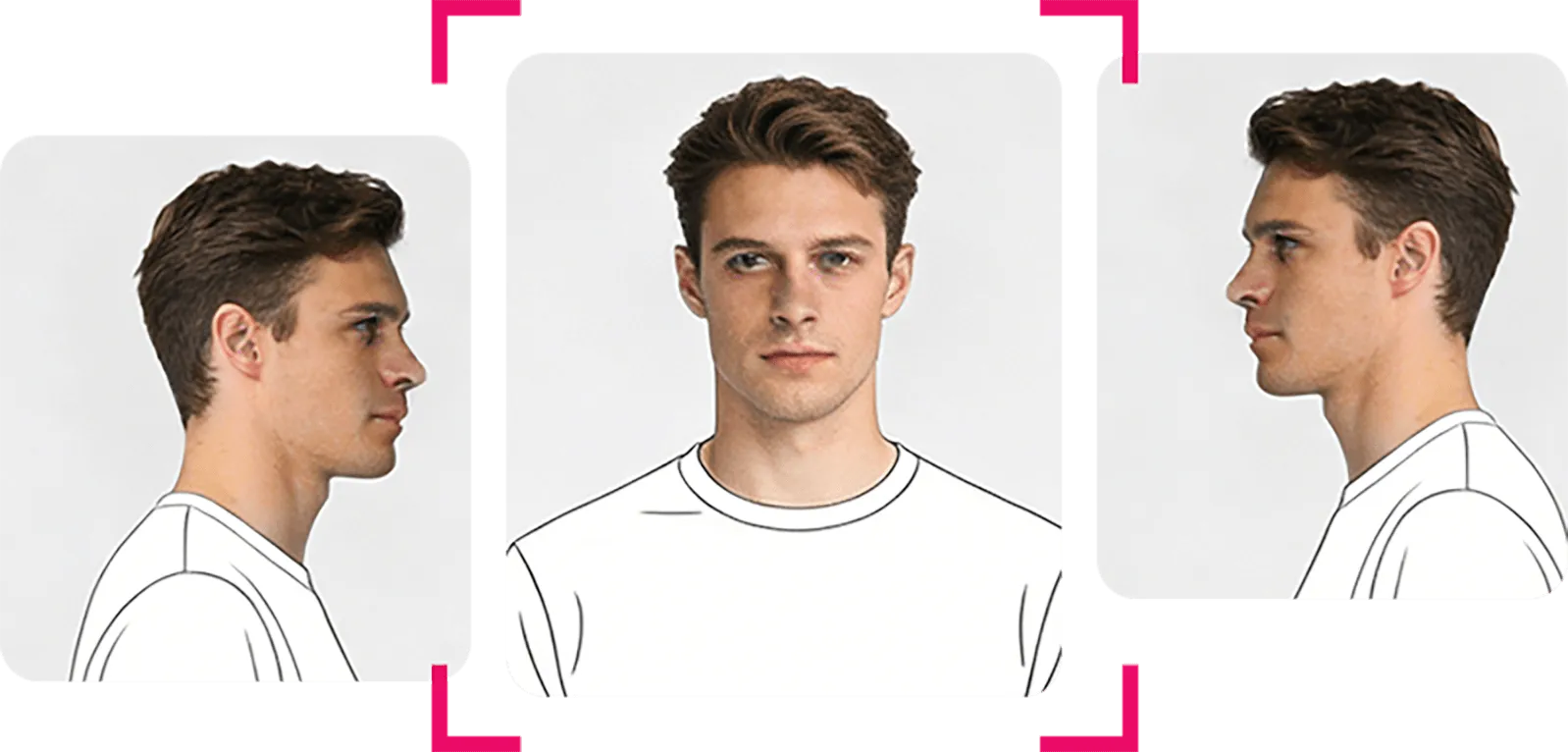
Create a Reusable AI Character
Build one character identity you can carry into scenes, talking videos, and music videos.
- Locked face & voice identity
- Multi-view angle generation
- Reuse across all tools
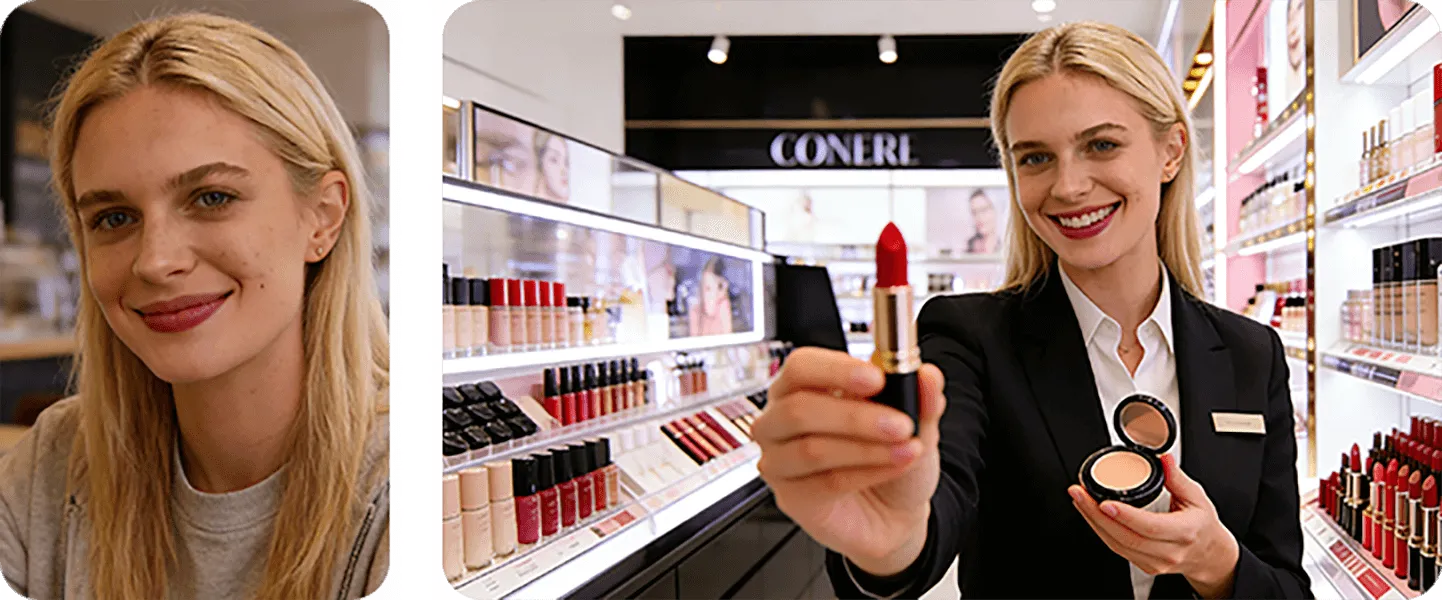
Generate Scenes & Lifestyle Photos
Place your character in any environment — from studio setups to lifestyle shoots — with consistent identity.
- Prompt, script, or image upload
- Platform-ready aspect ratios
- Reusable across video tools
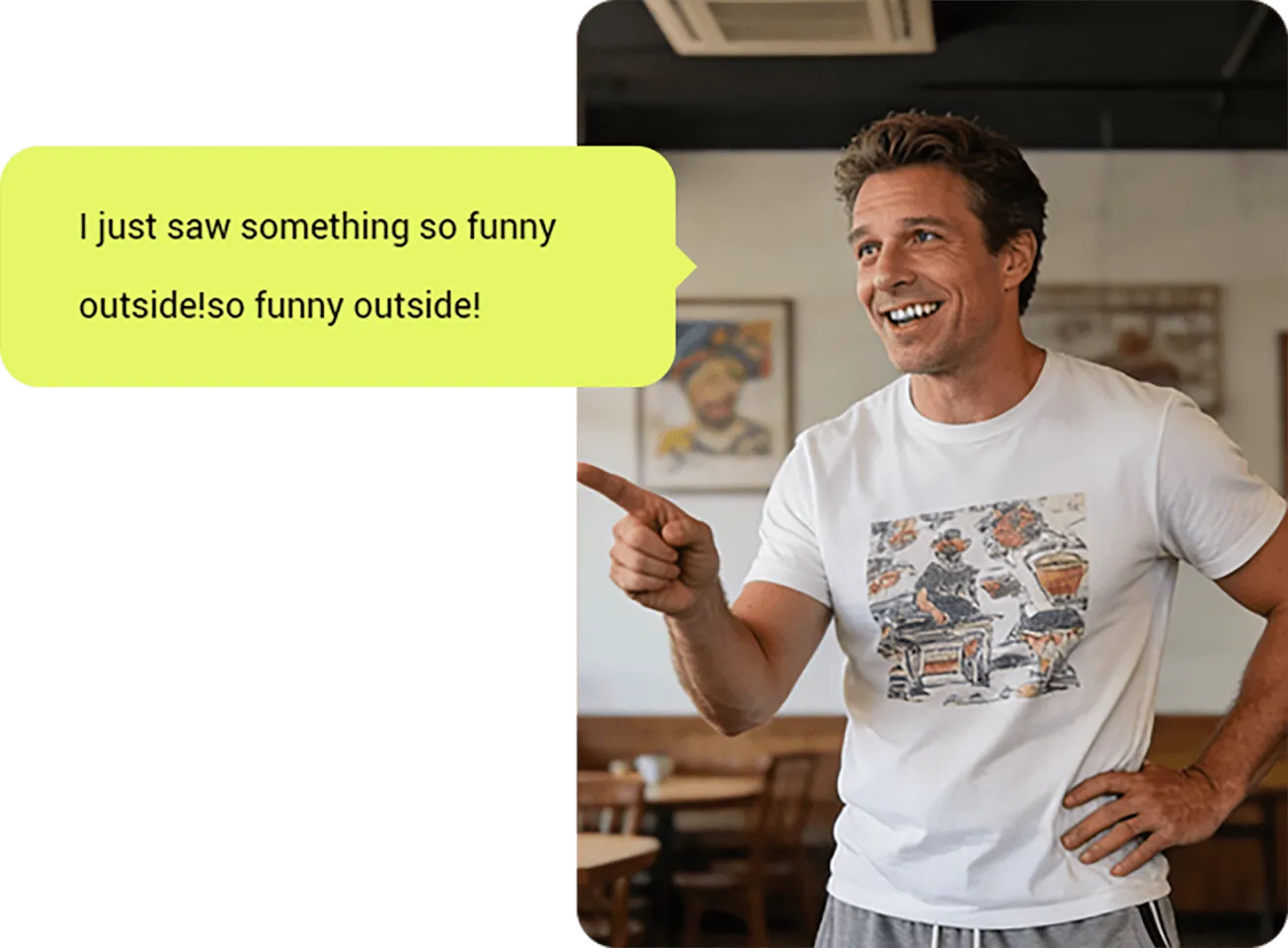
Script-to-Video in Minutes
Turn a script or voice recording into a talking-head video with lip sync and emotion control.
- Script & voice modes
- Batch up to 5 videos at once
- SRT subtitle export
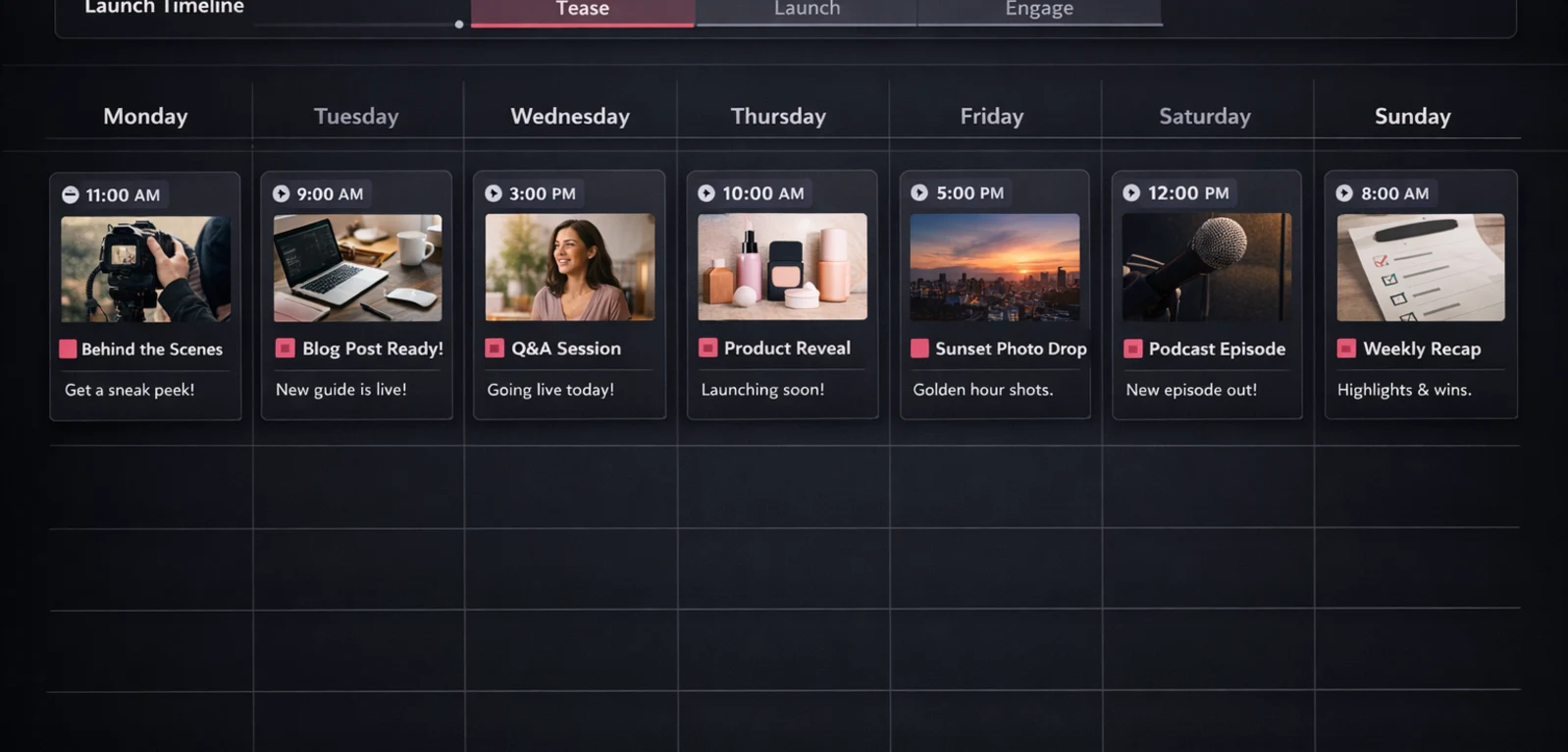
Launch-Ready Profile & Calendar
Generate profile assets, bio, 7 starter photos, and a 7-day posting calendar — all platform-tailored.
- Avatar, banner & bio generation
- 7 curated lifestyle photos
- 7-day posting calendar
What You Can Build with One AI Influencer Identity
Lock your influencer once. Reuse it across photos, videos, and music videos — no rebuilding, no drift.
AI Influencer Generator
Define your AI influencer's face, voice, and name. Identity lock means every output stays on-model — no plastic drift between generations.
AI Photo Generator
Build reusable scene frames from uploads or prompts. Use the same scene across AI Video Generator and AI Music Video Generator without rebuilding.
AI Video Generator
Generate talking videos from script or uploaded audio. Preview at low cost, then render 1080p finals with the same influencer and scene.
Creator Kit
Launch your AI influencer on any platform. Generate profile assets, bio, starter photos, and a 7-day posting calendar — all from one character.
How to Go From Identity to Published Content
Set up once, then run a repeatable workflow for scenes, talking videos, and music videos.


Lock Your Influencer Identity
Set name, face reference, and voice. Scenova locks your character so every generation stays consistent — across scenes, videos, and music videos.
Build a Reusable Scene Library
Upload brand images or describe settings. Save scenes to your library and reuse them instead of starting from scratch every time.
Generate, Preview, Publish
Run a low-cost preview first. When it looks right, render the final and download. Every workflow shows credit cost before you commit.
Questions Before You Start?
How consistent is my character across videos?
How does Scenova avoid the 'plastic AI' look?
Do I own commercial rights to my AI influencer?
What is an AI influencer generator?
Can an AI influencer generator keep my character consistent?
What can I create with an AI influencer generator?
Can I use the same character in music videos?
Why should I create a saved character first?
Can I save a scene to use in a video later?
What is the difference between Preview and Final?
How long can each generated video be?
FAQ: AI Influencer Generator · AI Photo Generator · Pricing & Credits