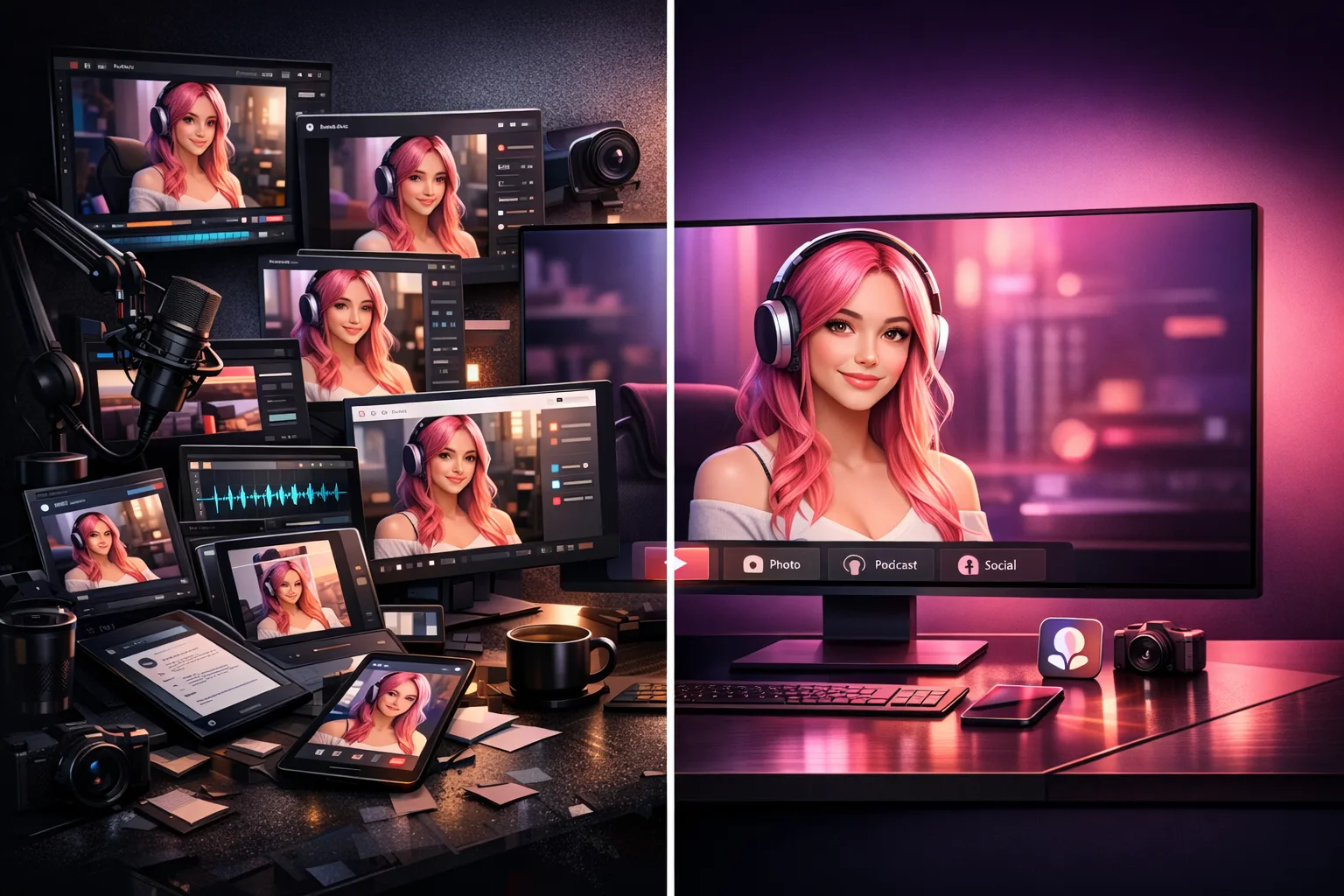
AI Influencer Content Generator: One Tool vs. the Multi-Tool Stack
Quick answer
Most AI influencer creators use 6–8 disconnected tools to run one character. A single-tool AI influencer content generator like Scenova consolidates the character-to-video pipeline — but does not yet cover static photo generation or social media scheduling. This article compares both approaches honestly.
The standard multi-tool workflow
The Fanvue AI Creator Academy and similar courses teach a workflow that looks like this:
- Face generation — Fal.ai or ChatGPT-assisted prompts to generate the initial face.
- Model training — Pykaso to train a consistent character model from reference images.
- Voice cloning — ElevenLabs to create a reusable voice for chat and video.
- Video generation — Kling, Wan, or similar tools to produce talking videos and short-form content.
- Reels/content templates — OnlyReels or similar for Instagram-ready short-form video.
- Scheduling — Omnime or similar for automated posting cadence.
Each tool is good at its specific job. The stack works — creators use it successfully every day.
Where the stack breaks
The problems emerge when you try to maintain one consistent identity across all these tools:
Identity drift
Each tool has its own face model. The face generated in Fal.ai is not exactly the face trained in Pykaso. The character in your Kling video may not match the character in your OnlyReels content. Subtle differences accumulate over weeks of posting.
Separate billing
Six tools means six subscriptions, six credit systems, and six billing dashboards. Tracking total cost per piece of content requires manual accounting.
No shared scene library
A background you build in one tool does not carry over to another. You rebuild environments for every video, every platform, every format.
Manual re-export
Each tool outputs in its own format. You manually resize, reformat, and re-export for each platform.
What a single-tool workflow looks like
Scenova consolidates the character-to-video pipeline into one system:
| Step | Multi-tool stack | Scenova |
|---|---|---|
| Define face | Fal.ai | AI Influencer Generator |
| Train model | Pykaso | Multi-view lock (built in) |
| Clone voice | ElevenLabs | MiniMax voice clone (built in) |
| Build scene | Manual per tool | AI Photo Generator (reusable library) |
| Generate video | Kling / Wan | AI Video Generator (Script + Voice Mode) |
| Generate music video | Not available | AI Music Video Generator |
| Track credits | 6 separate systems | One credit pool, cost shown per generation |
The key advantage is identity persistence. Your character's face and voice are locked once and used by every workflow. Scenes are saved to a library and reusable across video and music video generators.
When the multi-tool stack still makes sense
Scenova does not cover everything yet. If you need:
- Static photo generation — Scenova currently generates scenes and videos, not standalone photos. For Instagram grid posts and Reddit image content, you still need Fal.ai, Pykaso, or similar.
- Social media scheduling — Scenova handles content generation, not posting. Omnime or similar scheduling tools are still needed.
- Reels/TikTok templates — Scenova outputs video files, but does not yet offer platform-specific templates with trending hooks and auto-captions.
For these use cases, the multi-tool stack fills gaps that Scenova has not closed yet.
Where Scenova is headed
Static image generation, batch mode, and platform-ready export presets are in development. When these ship, the single-tool workflow will cover more of the daily content pipeline. Until then, Scenova works best as the core identity and video engine, supplemented by external tools for photos and scheduling.
Bottom line
If your primary workflow is character consistency across videos and music videos, Scenova replaces most of the stack today. If you need daily photo generation for Instagram and Reddit, you still need external image tools — for now.
The right question is not "which approach is better" but "which gaps matter most for my workflow."