AI Photo Generator
Consistent influencer photos. Every pose. Every scene. Zero drift.
Generate photos from prompts with pose and outfit controls, upload backgrounds, or describe a setting. Scenova produces consistent images you can reuse across AI Video Generator and AI Music Video Generator.
Select Your Influencer
Generating inconsistent photos for every post slows production and creates visual drift. AI Photo Generator helps you build a reusable library so every image stays on-brand.
Scenes you build here are reusable across the AI influencer generator workflow — attach them to talking videos in AI Video Generator or full music videos in AI Music Video Generator. AI Influencer Generator →
Generate Photos with Pose & Outfit Control
Describe what you want, pick a pose and outfit preset, and batch-generate up to 10 photos at once — all with your locked influencer identity.
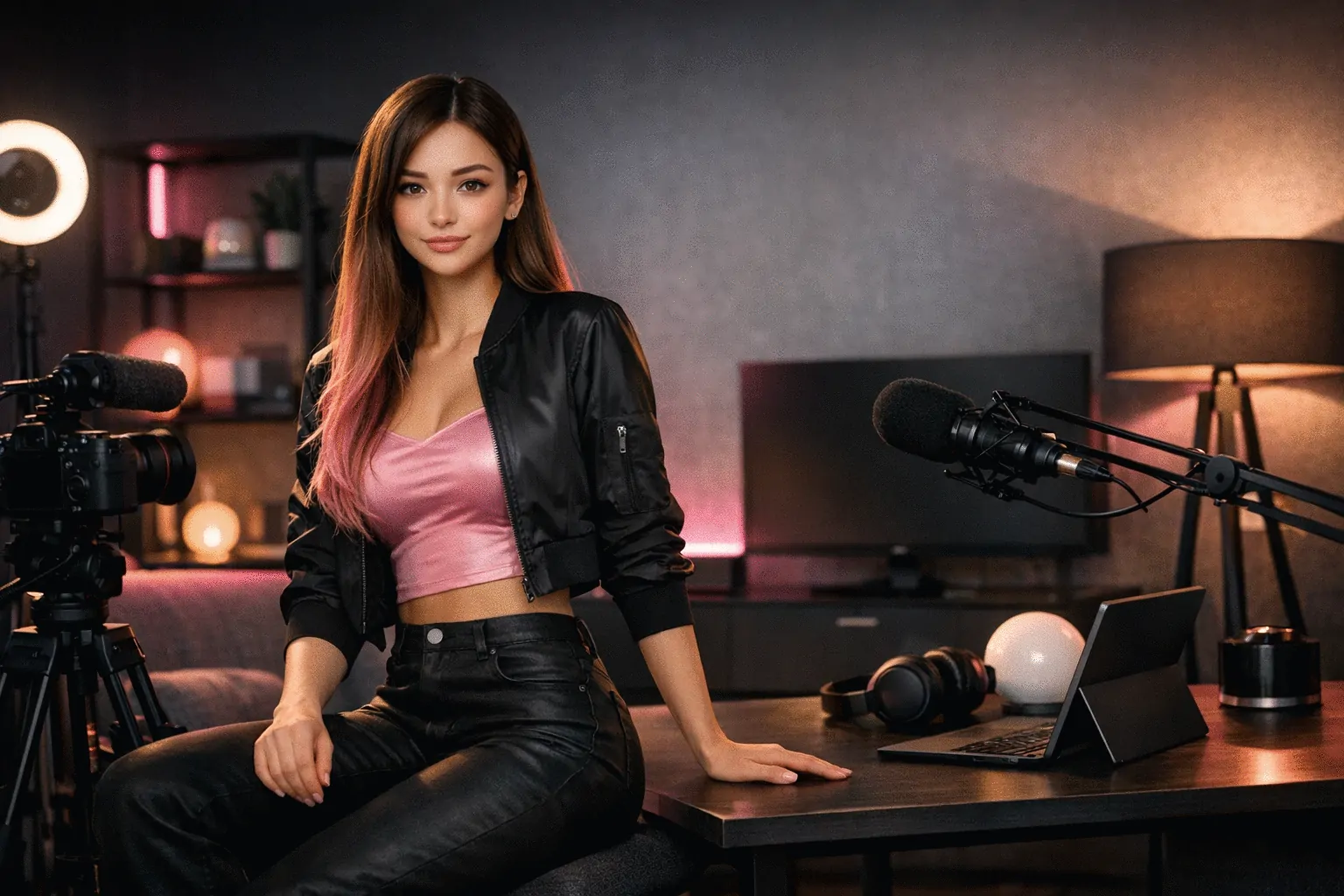
Build a Reusable Photo Library
Every generated photo is saved to your influencer's library. Reuse photos as video backgrounds, regenerate by ratio, and maintain visual consistency.
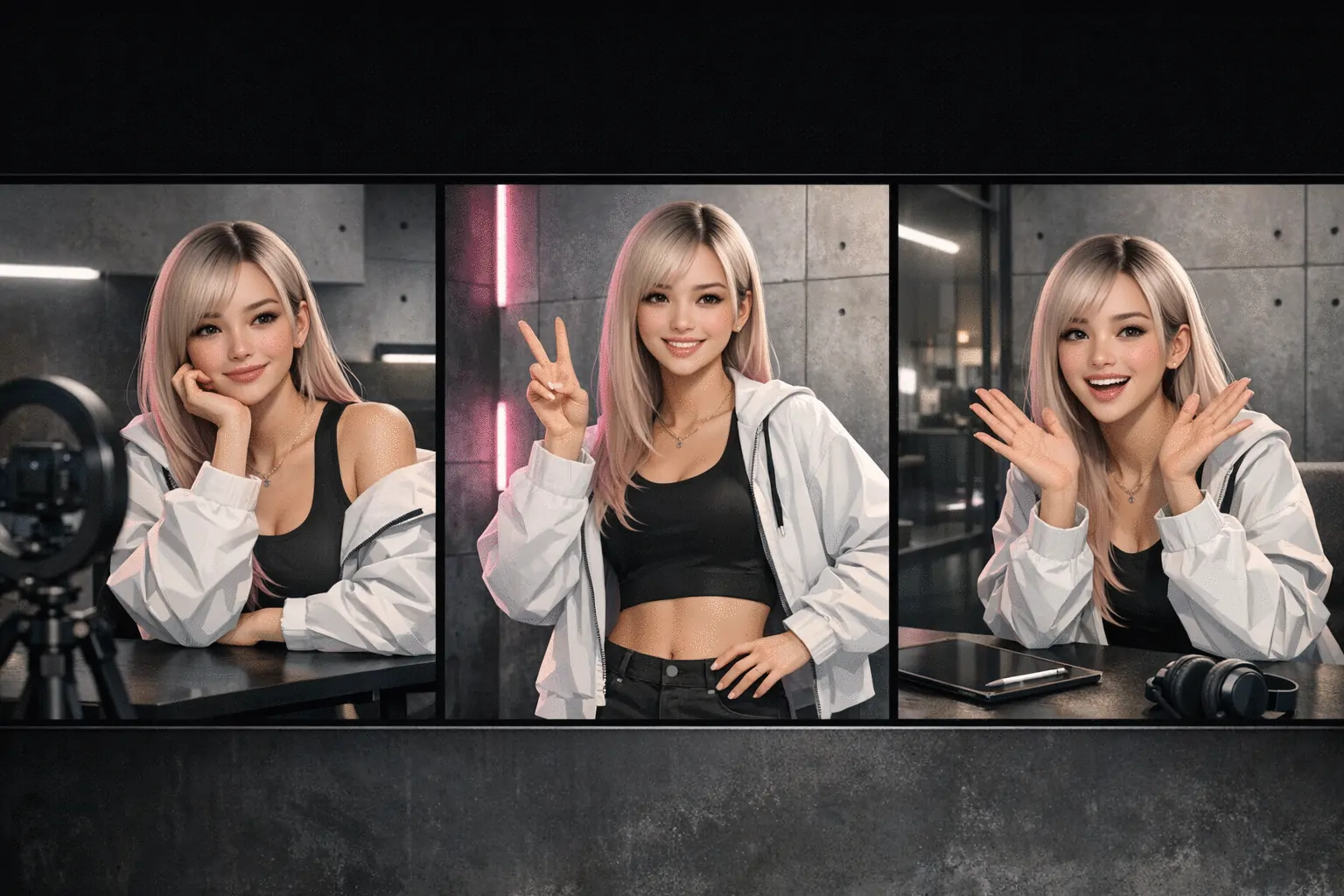
Every Ratio for Every Channel
Create 9:16, 16:9, 1:1, 4:3, 3:4, and 2:3 versions so your content stays consistent across TikTok, YouTube, Instagram, and Fanvue.
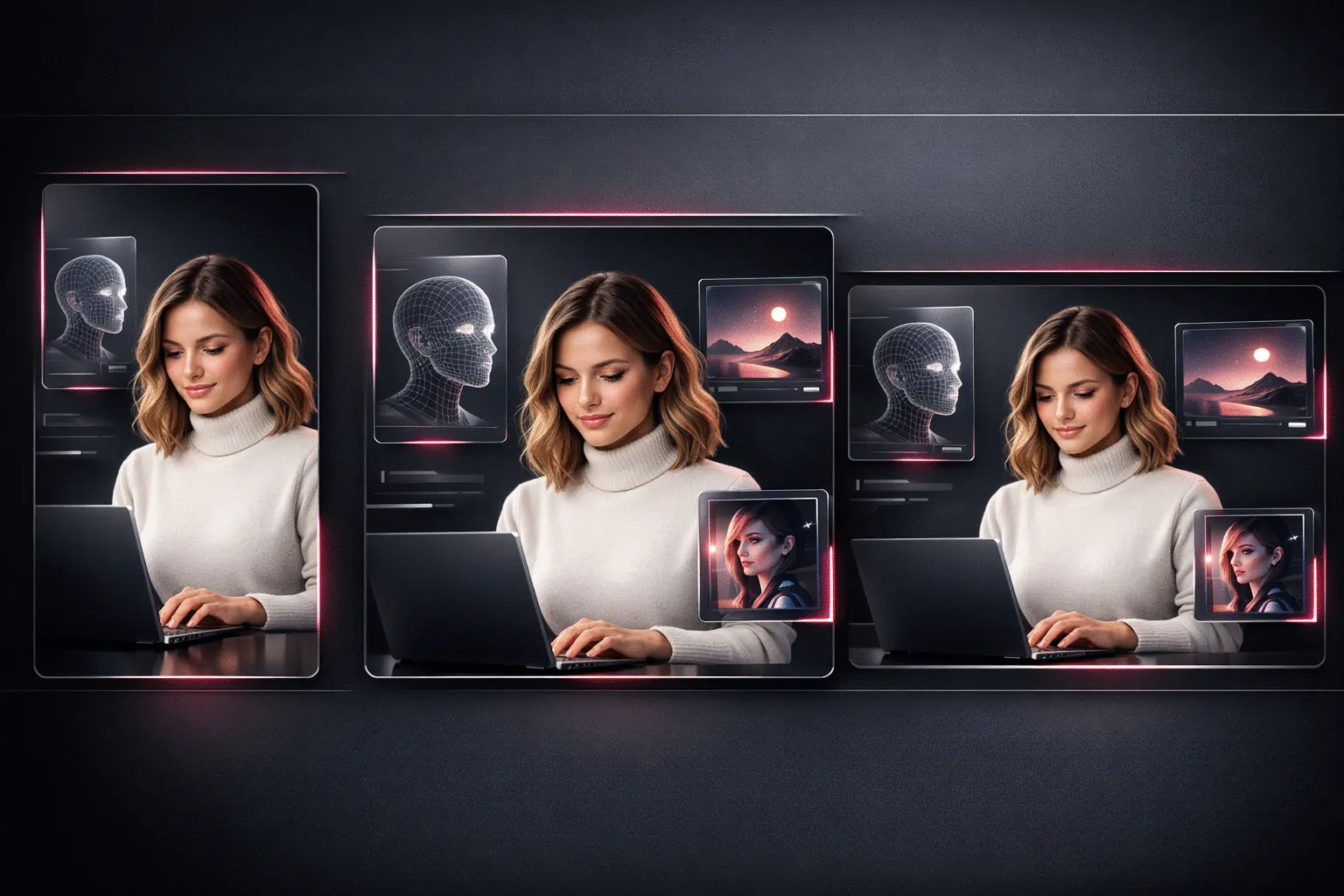
How AI Photo Generator Works
Choose an influencer, generate photos, then reuse them across formats.
Choose Your Influencer
Select the influencer identity that should appear in the photo.
Describe, Upload, or Prompt
Write a prompt with pose and outfit controls, upload a background, or describe a setting.
Generate and Reuse
Save photos to your library and reuse them in AI Video Generator or AI Music Video Generator.
Who Uses AI Photo Generator
“Build a core set of scenes once, then reuse them across talking videos and recurring campaign posts.”
Solo Creators
Weekly content pipeline
“Define approved scene styles for launches, then apply them across short-form videos and music video content.”
Brand Teams
In-house production
“Store client-specific scenes and reuse them across deliverables to keep each brand look consistent.”
Agencies
Client production