background smallbackground

Create a Consistently Styled Virtual Influencer, Not a Disposable Generated Output.

From character identity construction, to scene and environment control, and further to text-to-video generation and virtual character management, Scenova helps you systematically build sustainable, operable virtual influencers.

Free Trialgift

It’s Not Just a Look, But a Genuine Performance

An AI UGC Platform Built for Sustained Creation

It’s not about generating one-off content, but building a reusable virtual character system.

Persona Forge

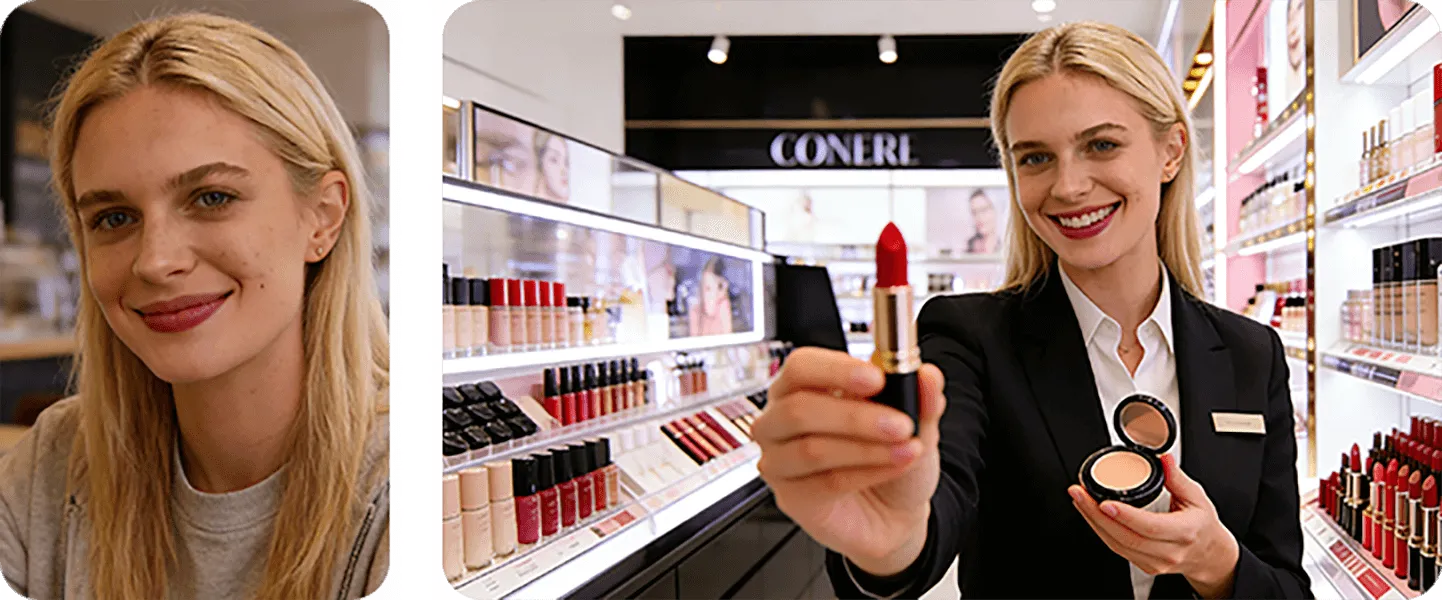
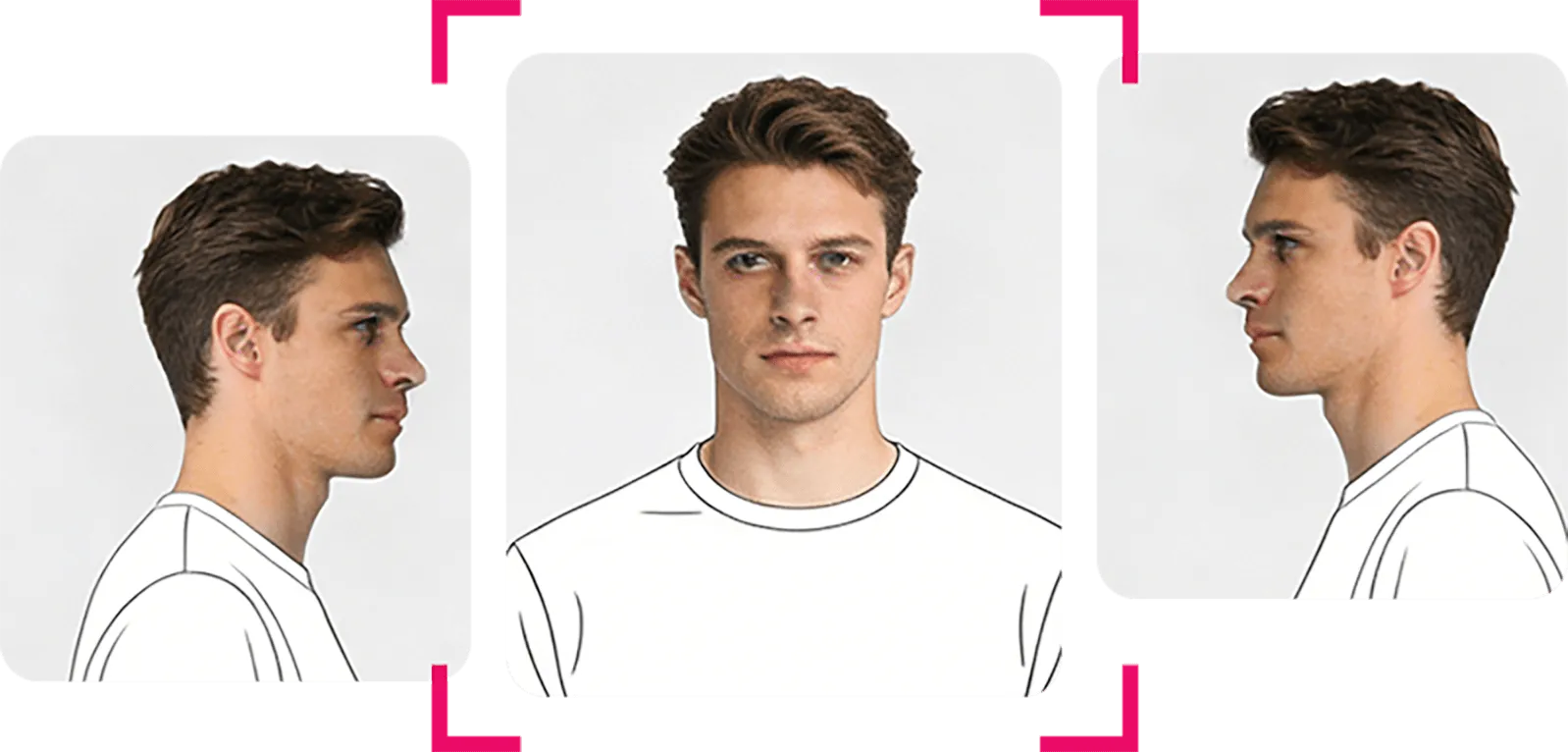
Through multi-angle reference and identity integration, the character's consistency is guaranteed across different videos, eliminating the issue of "looking like someone else".

Persona Forge

Scene Studio

Just one scene image is all it takes to seamlessly integrate your character into any environment, delivering realistic lighting effects and stunning product displays.

Scene Studio

Script-to-Cinema

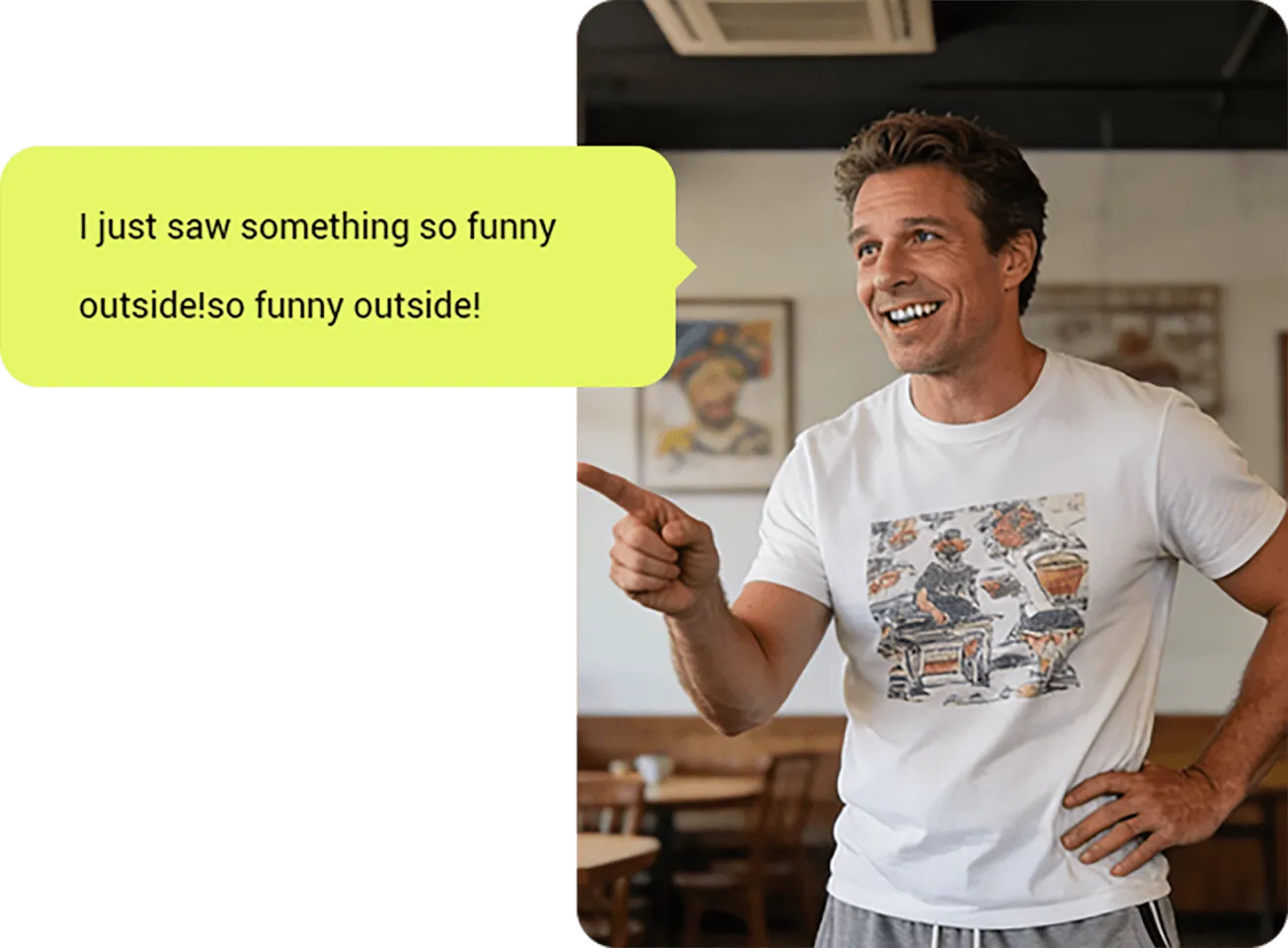
Input the script, and the character will automatically perform lip-sync, expressions and movements, turning text directly into video content.

Script-to-Cinema

How Scenova Works?

Just Three Steps: From Character Creation to Video Generation, Delivering Consistent Output for Your Content Channels.

characters
scenes
scripts

Create and Lock the Character

Establish a consistent and stable character image through multiple reference images or text descriptions.

Set Scenes and Styles

Upload any image as the scene, seamlessly place your character within it, and achieve stunning visual and product presentation.

Drive Performances, Not Just Generate Them

Transform scripts into video performances, support precise control over character emotions and expression intensity, and generate natural, smooth high-definition video content.

What Are Creators Doing with Scenova?

From the first video to a steadily outputting virtual character, these works and reviews come from those who’ve already taken action.

I’m into fitness, outdoors, and a bit of adventure. Scenova fits that energy well. I can put my character into rough environments, gyms, or travel scenes and still keep the same identity. The emotion control in videos is key for me — it doesn’t feel robotic. More like directing a digital version of myself.

avatarRonan Falk

I’m a photographer by passion and work in corporate strategy. What I like about Scenova is how it treats characters as assets, not random outputs. The scene composition feels thoughtful, almost like setting up a shoot. It’s less about flashy AI effects and more about consistency and control, which I really appreciate.

avatarMatthias Keller

Scenova has become part of our content workflow. We use it to maintain a consistent virtual face across different beauty scenarios and product themes. The biggest value is control — same character, different moods, different scenes, without visual drift. It helps us scale creative testing while keeping a unified brand image.

avatarStudio Lumière

As a food creator, visuals matter a lot. Scenova lets me place my virtual character naturally into kitchens, cafés, or street food scenes without breaking the mood. The expressions feel soft and human, not stiff. It’s honestly fun to see “myself” reacting to dishes in different places without doing a full shoot every time.

avatarElina Moreau

I travel a lot and shoot in very different environments. What surprised me with Scenova is how stable the character stays, even when I change scenes completely. I can drop my virtual persona into deserts, cities, or mountains and it still feels like the same “me.” It saves me a huge amount of time compared to re-generating everything from scratch.

avatarLukas Brecht

Frequently Asked Questions About Scenova

Persona Forge

What happens if I don't lock my character?
Without locking, your character's face will "drift" or change slightly in every new image. Locking ensures they look identical in every video.
How many photos do I need to upload?
We recommend 5–10 photos for the best results. A mix of close-ups, side profiles, and full-body shots works best.
Can I create a character from scratch without photos?
Yes! Use "Genesis Mode" to type a text description. We’ll generate drafts, and once you pick a favorite, we’ll synthesize the angles needed to lock it.
Do I own the rights to my locked character?
Yes. You own the commercial rights to any character you generate and lock on the platform.
Can I edit my character after locking?
Yes. You can run an "Identity Refinement" (10 credits) to tweak hair color, age, or style while keeping the core facial structure.
Is my uploaded data private?
Yes. Your reference photos are used solely to train your specific Identity ID and are not shared with other users.
What if the locking process fails?
If the system cannot generate a consistent lock (e.g., due to blurry references), your credits will be refunded automatically.

Scene & Product Studio

What kind of product images should I upload?
High-resolution PNGs with transparent backgrounds work best. Standard JPEGs work too—our AI will attempt to remove the background for you.
Can I place multiple products in one scene?
Yes. You can place an item on a table and have your character hold another item simultaneously.
Does the lighting on the product adjust automatically?
Yes. Our Composition Engine analyzes the scene's light source and recolors your product to match the environment naturally.
Can I use these images for e-commerce?
Absolutely. The output is high-resolution (up to 4k) and perfect for lookbooks, Instagram ads, or website headers.
Can I save a scene to use in a video later?
Yes. Every scene you create is saved as a "Master Frame." You can send this frame to Script-to-Cinema to animate it instantly.
What aspect ratios are available?
We support 16:9 (YouTube), 9:16 (TikTok/Reels), and 1:1 (Square).
Can I change the character's outfit?
Yes. You can use text prompts to describe new clothing, or use the "Product Merge" feature to overlay a specific digital garment.

Script-to-Cinema

What is the difference between Preview and Final mode?
Preview is a cheap (10 credits), low-res (480p) draft to check lip-sync and timing. Final is a premium, broadcast-quality (1080p) render.
How long can my videos be?
Currently, you can generate clips up to 60 seconds per run. For longer narratives, we recommend generating multiple scenes and editing them together.
Can I use my own voice recording?
Yes! Uploading your own MP3/WAV file gives the best results for emotion and timing.
Does it support multiple languages?
Yes. The lip-sync engine works with any language. If you use our Text-to-Speech tool, we support 29+ languages.
Will the character's body move, or just the face?
The system animates the face, head, and upper body natural movements. For full-body walking or complex actions, use the "Action Settings" before generating.
Can I clone my own voice?
Yes. In the audio settings, you can record a 1-minute sample to create a custom AI voice clone for your character.
What happens if the lip sync is off?
This is rare, but if it happens in "Production Mode," contact support with the Job ID and we will refund the credits.

Campaign Automation

Do I need to know how to code?
No. You just need to fill out a spreadsheet (CSV). We provide a template that you can open in Excel or Google Sheets.
How many videos can I generate at once?
There is no hard limit, but we process batches in queues of 50. If you upload 500 rows, they will process in sequential batches.
Can I vary the background for each video?
Yes. Your CSV can include a column for "Background Prompt" or "Background Image URL" to make every video unique.
Can I use different characters in the same batch?
Yes. Just paste the specific Character_ID into the respective row for each script.
How are credits charged for bulk runs?
Credits are deducted as each video completes. If a specific row fails, you are not charged for that row.
Does this work for A/B testing ads?
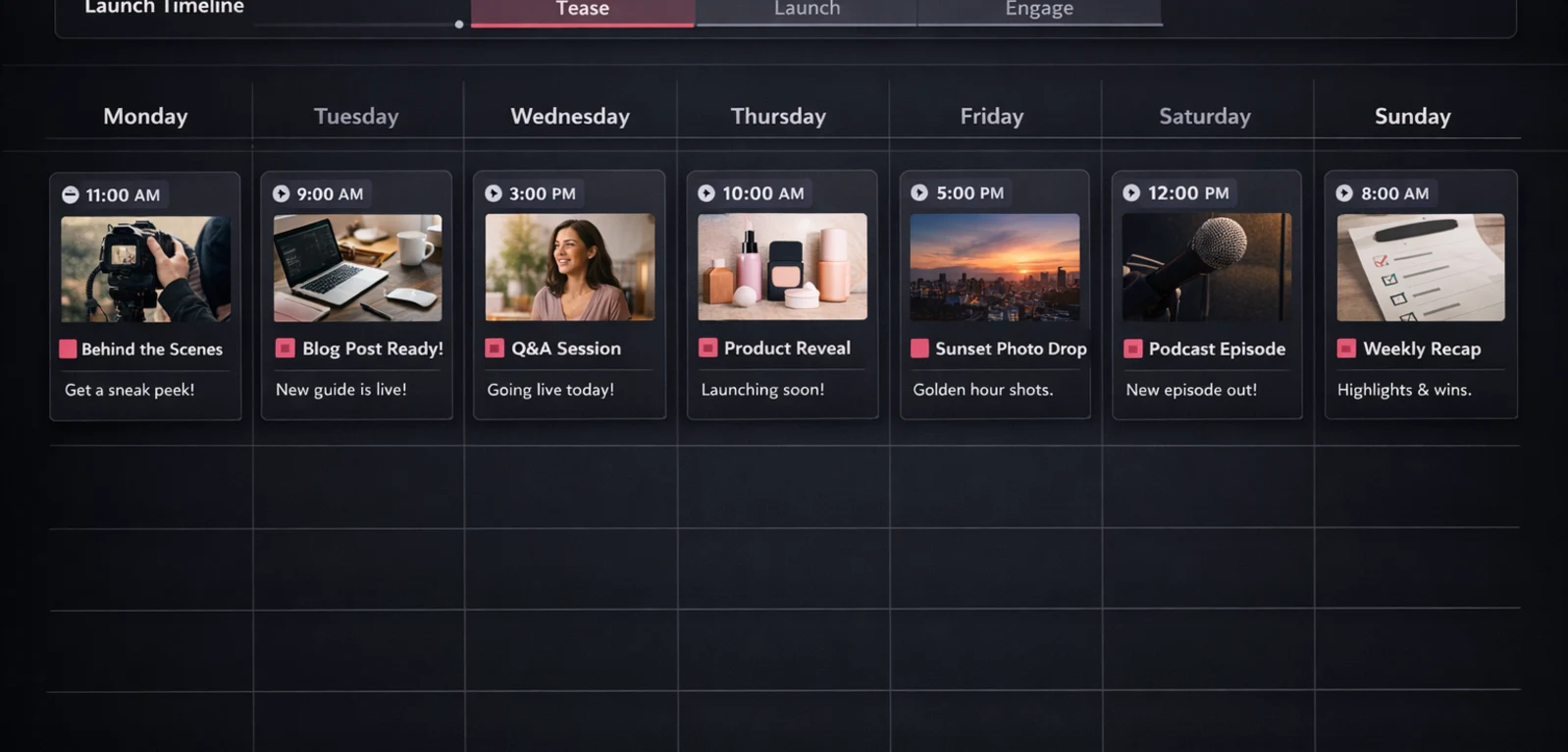
This is the primary use case! You can run the same script with 10 different background/character combinations to see which performs best.